
The Recurring Horror: Too Many Projects, Not Enough Teams
Every organization I've audited eventually hits the same wall. They adopt a project management tool, add forty projects, fill the boards with cards, and then discover they have zero visibility into the whole. Which project is consuming your three best engineers? Which one is quietly two quarters overdue but nobody said so because it's nobody's job to say so? That's the gap Project Portfolio Management (PPM) exists to close — not by adding another app, but by adding a decision layer on top of all your projects.
PPM treats projects as a portfolio: a collection of bets you're funding with limited people, budget, and time. Its job is ruthless prioritization — kill the weak, feed the strong, and expose the resource bottlenecks early. Below I walk through what PPM actually does, the metrics that matter, and how to choose between the tools without over-buying. For the project-level mechanics most people confuse with PPM, see our project management software rundown.
Portfolio Management Is a Decision Process, Not a Dashboard
It's tempting to treat PPM as "a nicer report." It's not. A portfolio view only has value if it feeds decisions — about which projects to fund, staff, pause, or kill. Without that decision authority, you've built a prettier way to be clueless. The core loop of a functional PPM practice is:
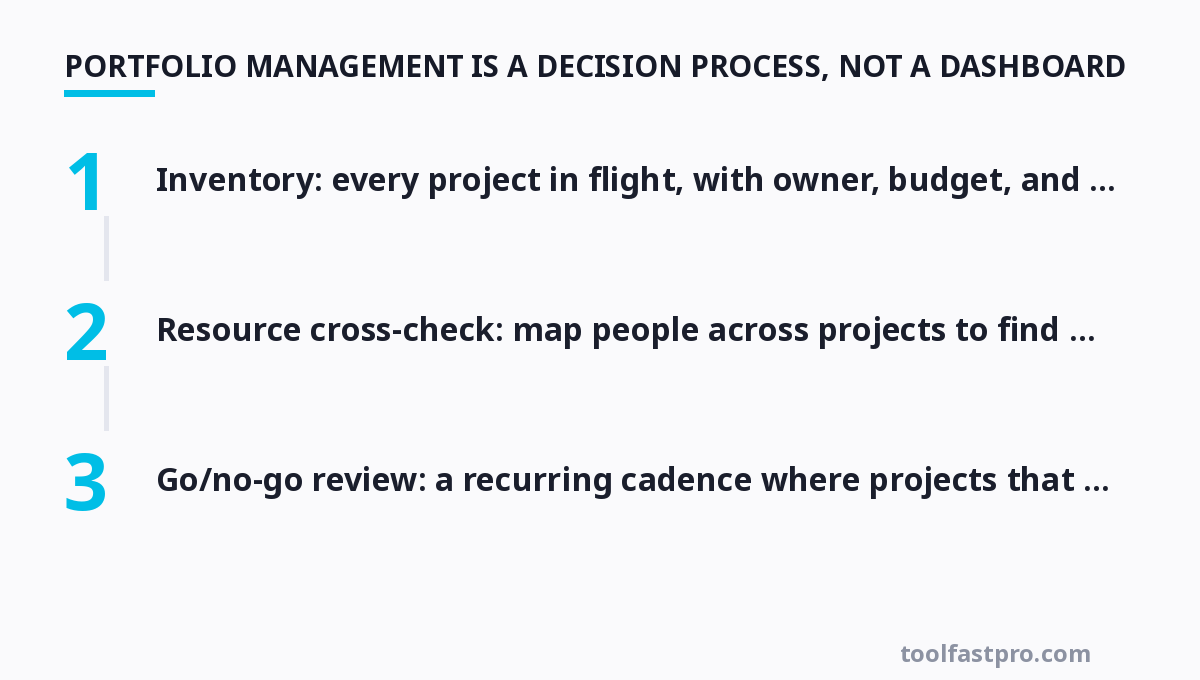
- Inventory: every project in flight, with owner, budget, and target date, in one place.
- Value scoring: rank projects by strategic value (revenue, risk reduction, mandatory compliance) — not by squeaky-wheel loudness.
- Resource cross-check: map people across projects to find who's double-booked or idle.
- Go/no-go review: a recurring cadence where projects that no longer earn their keep get killed.
If your organization can't make portfolio-level decisions, all the tooling buys nothing. Start with the loop, then let the tool support it.
The Metrics That Expose a Sinking Portfolio
Dashboards fail when they show activity instead of health. Track these five instead:
- Resource utilization — how much of each person's capacity is actually allocated, and where the overload lives.
- On-time completion rate — the honest percentage of projects hitting their committed dates, not the optimistic estimate.
- Benefits realization — did the project actually deliver the value that justified its funding? Shockingly few organizations measure this.
- Capacity-to-demand ratio — are you committing to more projects than the team can physically finish in the window?
- Portfolio risk — concentration of critical people, single-source vendors, or regulatory exposure across the whole set.
A portfolio that scores well on those five but feels busy is usually over-committed. Our guide to building useful project dashboards shows how to turn these numbers into a view leaders can read in 30 seconds.
Start Simple: Spreadsheet PPM, Honestly Evaluated
Before you pay for PPM software, discover whether you even have the decision discipline to use it. A well-built spreadsheet can handle portfolio review for a small team: one sheet of projects with value score, resource allocation, and health status, refreshed weekly. This is a legitimate first step and often enough for organizations under ~25 people and ~15 active projects.
The spreadsheet breaks the moment you need real-time resource cross-checking across teams or concurrent multi-project dependencies. If you find yourself juggling formulas, manual updates, and duplicated rows, that's the legitimate signal to graduate to dedicated software. The transition should be driven by operational pain, not by a sales demo.
Comparison: PPM Tools in 2026
| Tool | Key Features | Price |
|---|---|---|
| Asana | Portfolio view, workload cross-project, goals + milestones | Free Basic; Business $10.99/user/mo (annual) |
| Monday.com | Custom dashboards, portfolio/board automation, Gantt | Basic $9/seat/mo (annual, min 3 seats) |
| Jira + Advanced Roadmaps | Cross-project dependency mapping, capacity planning | Jira from $7.75/user/mo; Roadmaps add-on extra |
| Smartsheet | Spreadsheet-like grid, portfolio reporting, resource views | Pro ~$14/user/mo (annual) |
| Planview / CA PPM | Enterprise portfolio governance, finance + resource management | Custom enterprise pricing |
For most teams Asana and Monday.com hit the sweet spot between portfolio visibility and adoption-friendly UX. Jira Roadmaps is the right call when your portfolio is dominated by engineering sprints and you're already in the Atlassian ecosystem. Smartsheet suits people who want a spreadsheet feel with reporting muscle. Enterprise PPM players (Planview, CA, Clarizen) only earn their cost at hundreds of users with formal governance needs — don't buy them early.
The Resource-Constrained Portfolio: A Smaller Bet Wins
The mathematically uncomfortable truth is that a portfolio with too many active projects underdelivers on all of them. When your capacity-to-demand ratio exceeds ~1.0 — more committed work than available person-weeks — the rational move is to de-scope or postpone, not to "work harder." Here's a concrete pruning test to run at your next review:
- For each project, ask: if I had to pick the top three, which three would I fund to completion?
- Freeze or formally deprioritize everything below the line; pause, don't delete, so you retain options.
- Recount capacity honestly after the cut — the freed people should visibly rebalance the overloaded ones.
Limiting work-in-progress at the portfolio level is the same principle as limiting it on a Kanban board: fewer things moving means each moves faster. If prioritization is a struggle, our project management fundamentals guide covers triage and scope control in depth, and the software comparison helps you pick the tool that supports the portfolio review instead of fighting it.
Governance Cadence: The Review Everyone Skips
A portfolio is only as good as its review loop. Block 60–90 minutes monthly (or quarterly for slower businesses) where the portfolio owner, not the PMs, reviews the five metrics above and makes visible go/kill/pause calls. The output must be a written decision log — which projects got more budget, which got cut, which resources report to whom now. Without the log, the meeting degrades into status theater and the portfolio drifts back to chaos between sessions.
This is the connective tissue between "tracking projects" and "running the business." Treat that monthly decision log as a durable artifact, and you'll have, over a year, an honest record of where the organization actually chose to invest. That's far more valuable than any single dashboard export — and building that view is precisely what our project dashboard guide walks you through, right down to the metrics leaders actually trust.
For more, check out: and time management.
For more, check out: .
FAQ
What's the difference between project management and project portfolio management?
Project management runs a single project well — scope, schedule, budget, team. Portfolio management decides which projects to fund and staff in the first place, and rebalances resources and risk across the whole set. PM asks "how do we finish this?"; PPM asks "should this be running at all, given everything else?"
Do I need separate PPM software, or can my project tool do it?
Many project tools now include portfolio-adjacent views (Asana's portfolio, Monday's dashboards). Start there if it gives you the resource cross-check and value ranking you need. Dedicated PPM products matter mainly for large, resource-intense, or governance-heavy organizations — don't add software before the decision process exists.
How do I pick which projects to kill first?
Kill the ones that score lowest on strategic value while consuming meaningful resource — especially those with no committed champion or a slipping deadline no one owns. Prioritize killing by opportunity cost: what do you gain elsewhere by freeing those people? If a project has no defender in the go/no-go review, that's your answer.
What role normally owns the portfolio decision, not just the tracking?
It should be a leader with budget authority and accountability for outcomes — a portfolio manager, program director, COO, or functional head — not an individual PM with no power to reprioritize. If the role has no decision authority, the portfolio review is decorative.
How often should portfolio review happen?
Monthly is the healthy default for active organizations; quarterly works for slower product or capex cycles. The cadence must match how fast your demand and resources change. The critical part is that the review always ends with written go/kill/pause decisions, not just discussion.
Recommended Reading & Gear
If you want to go deeper on this topic, these are the resources worth your time:
- Measure What Matters by John Doerr — OKRs — the goal layer above any portfolio tracker.
- The Lean Startup by Eric Ries — Prioritize the projects worth funding and kill the rest fast.
- Multipliers by Liz Wiseman — How the best leaders get more from every project and every person.
Get one practical tool tip a week
Short, useful, no spam. Unsubscribe anytime.