What Chaos Documents Actually Cost You Each Month
Let's put real numbers on the file that "lives somewhere." A typical mid-size team loses a worker to document hunting — versions, approvals, signatures, duplicate invoices — for about 6 hours a week. At a blended $40/hour loaded cost, that's $240 per person per week, or over $12,000 a year for a single employee, before you count the late-filed invoice penalties and the compliance fines. Document management is rarely treated as a cost center until it becomes an emergency, and by then the damage is done. The good news: the fixes are cheap, measurable, and largely automate away the busywork that drains that rate card.
Document Management Is a Pipeline, Not a Cabinet
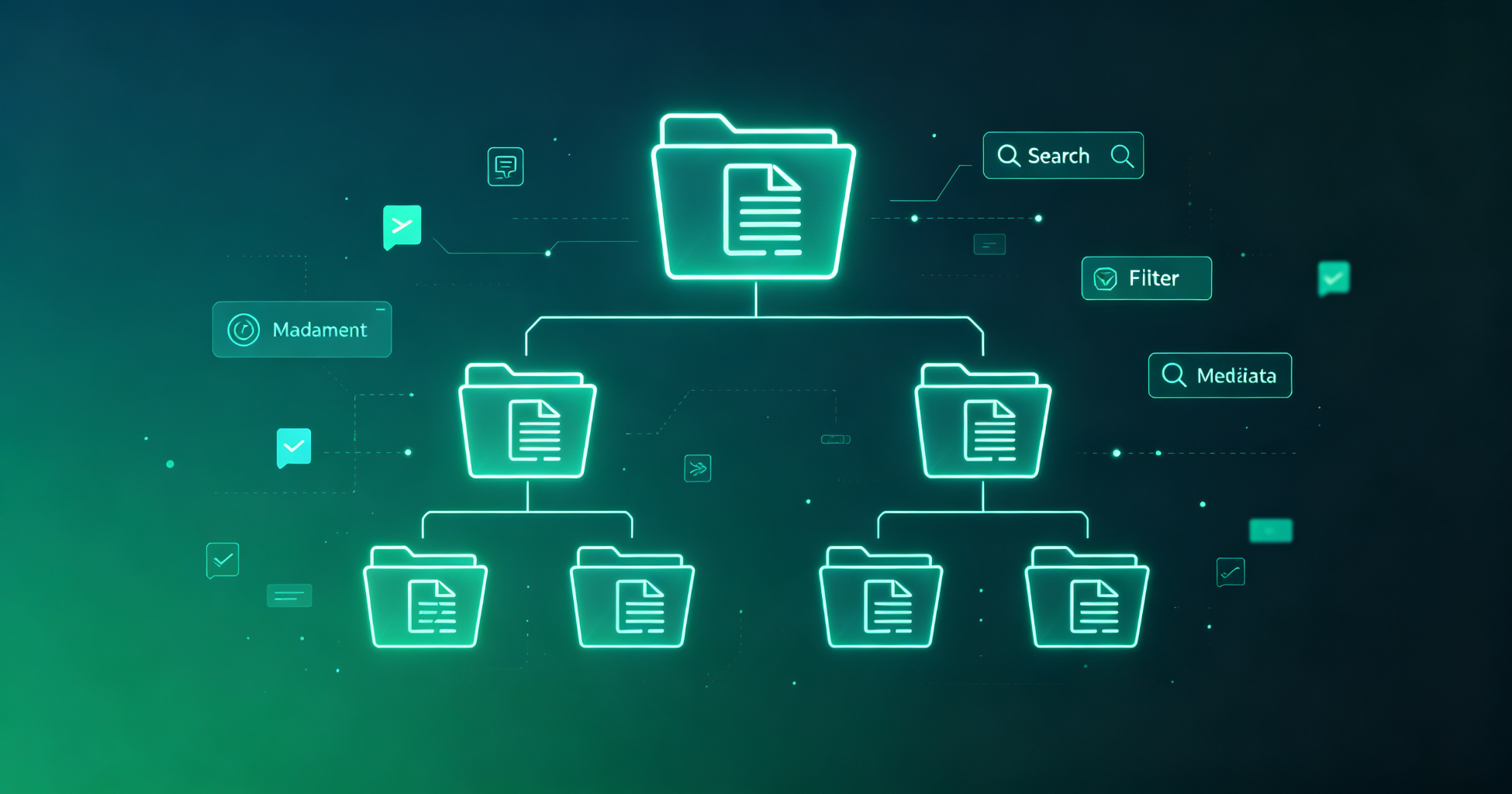
Too many people think document management means "neatly named folders." It doesn't. Treat your documents as a pipeline with four stages — capture, classify, process, archive — and manage each stage deliberately. Capture is how a paper or PDF gets into the system (scanning, email-to-folder, upload). Classify is how it gets tagged, OCR'd, and routed (metadata, naming, automated rules). Process is where it turns into action: approvals, signatures, data entry, payment. Archive is the searchable, compliant home for finished work. When a document stalls in any stage, it stalls your whole operation — and most stalls live in classification and process, not storage.
Capture: Scanning 2026's Reality
Paper still refuses to die — contracts, receipts, tax forms, onboarding packets. The modern fix is mobile capture that converts a photo into a searchable, organized PDF on the spot. The best document scanning apps do three things at once: deskew and crop the image, run OCR so the text is searchable, and auto-name the file from its content. Buy the habit of scanning the moment a document arrives, because paper loses relevance fast and the pile only ever grows. Even better, route scans straight into a folder your automation watches, so capture becomes the start of a machine process instead of a chore.
Classify and Process: Where Automation Earns Its Keep
Stop touching every document. A well-configured automation layer reads incoming files, applies rules, and triggers the next step without a human in the loop. Invoices get matched to a purchase order, contracts get routed to the right approver with a deadline, receipts get tagged and filed, and data gets extracted into your spreadsheet or CRM. This is the difference between management and automation, and the ROI is stark. When you map a year of document-handling hours against the cost of the automation stack, most teams find a full payback within one to two quarters. The document automation landscape of 2026 and the deeper document automation walkthrough both lay out which stages to automate first based on your volume.
Comparing the Document Automation Tools (by Real Price)
Picking the right platform is a budget decision as much as a feature decision, so here is how the main players compare on genuine price tiers and what you get at each:
| Platform / Tool | Key Features | Pricing |
|---|---|---|
| DocuSign | E-signature, approvals, audit trail, templates | Personal $10/mo; Standard $25/user/mo; free trial |
| Adobe Acrobat | PDF editing, OCR, doc conversion, fill & sign | Pro from $19.99/mo; 7-day free trial |
| Zapier | No-code workflow automation between 6,000+ apps | Free tier (100 tasks/mo); Pro from $19.99/mo |
| ABBYY FineReader | High-accuracy OCR, PDF conversion, document capture | One-off ~$199; corporate licensing |
| Nanonets | AI document processing, data extraction, invoice OCR | Free trial; usage-based from ~$399/mo |
| Textract (AWS) | OCR, form/table extraction, API-driven workflows | Pay-as-you-go, ~$1.50 per 1,000 pages for OCR |
Route your decision by scale. Individuals and lean teams often get away with Acrobat plus Zapier. Teams processing hundreds of invoices a month should weigh an that extracts structured data without templates. And if you're already in the cloud, native connectors from Microsoft (Power Automate) or Google (AppSheet) can do a surprising amount for free or nearly so.
Retention, Naming, and the Searchable Archive
An archive you can't find is just an expensive landfill. Set a naming convention that sorts correctly (date-first, e.g., 2026-08-15-vendor-contract.pdf), enforce tags at capture time, and keep OCR on so text is searchable everywhere. Every document should have a retention rule — how long you keep it and when it gets purged — both for legal sanity and to stop storage from becoming a black hole. Granular permissions matter too: archives fail when everyone can read everything, because people stop filing things they're unsure about sharing.
Build the Minimum Viable Document System in a Weekend
Here's a starter system you can stand up in two days, no consultants. One shared cloud drive (OneDrive/Google Drive) or an internal wiki as the single source of truth. A scanning app on everyone's phone pointing at the drive. A Zapier or Power Automate flow that moves scanned PDFs into the right folder and names them. A short naming plus retention policy, written down and posted. That's 80% of the value at maybe 5% of the cost of an enterprise ECM suite. From there, add automation in the stages your week's logs show are slowest. The cheapest upgrade you'll ever make is deleting the "I'll organize this later" pile and replacing it with a rule.
For more, check out: .
For more, check out: and time management.
Frequently Asked Questions
How much does professional document management really cost per page?
It ranges from basically free (Power Automate/AWS Textract-style usage) to several dollars per document once you add human review for complex approvals. As a rule of thumb, automated OCR and extraction run in the $0.001 to $0.01 per page range at cloud rates, while e-signature platforms charge per seat plus envelopes rather than per page. Your real cost is the employee hours, not the software.
Is OCR still needed if I already have digital PDFs?
Yes, if any of your PDFs began life as a scan or print-to-PDF. Photographed or scanned documents store an image of the text, not the text itself, so search and copying fail without OCR. If you frequently search your archive for specific terms or numbers, keep OCR on at capture time — it's cheap upfront and prevents an unfindable archive later.
Can automation read handwriting, or only printed text?
Modern AI extraction handles printed text extremely well and has gotten meaningfully better at structured handwriting like forms and signatures, but messy freehand notes remain hit-or-miss. For handwritten receipts and legal notes, budget for a spot-check pass. For printed invoices and contracts, automation is reliably accurate enough to trust for data extraction with exception-only review.
What's the fastest win when I start automating documents?
Automate invoice or purchase-order intake first, because it's high-volume, high-failure, and linear. Connect email-to-folder, OCR, data extraction, and a rules-based routing to the right approver or import slot. Most teams see their first payback inside a quarter, and it's the stage with the least "human judgment" required, so error rates stay low.
Is it safe to outsource document processing to an AI tool?
For routine, non-sensitive documents, yes — modern AI processing happens over encrypted channels with role-based access. For regulated or highly sensitive data, check where the vendor processes and stores files, enable granular access controls, and keep a human approval gate for exceptions. The document scanning apps guide covers which tools handle sensitive capture on-device versus in the cloud, so you can match risk to what you're scanning.
Get one practical tool tip a week
Short, useful, no spam. Unsubscribe anytime.